What's New?
Initial release of Event Ticket for phpFox, introducing a complete ticketing solution for event organizers, sellers, and buyers.
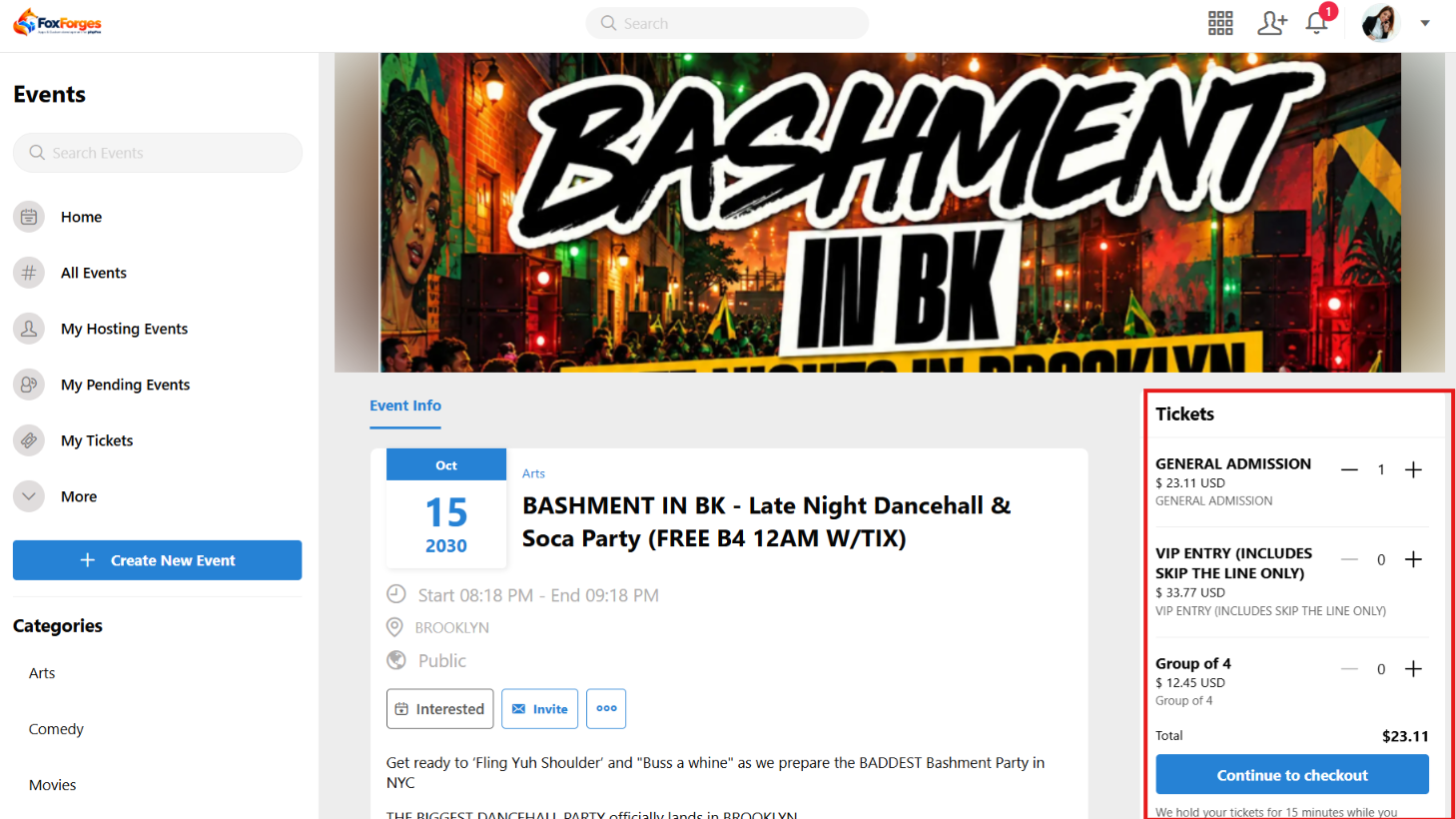
Event Ticket extends the Events module on phpFox, allowing event owners to sell tickets directly through their event pages.
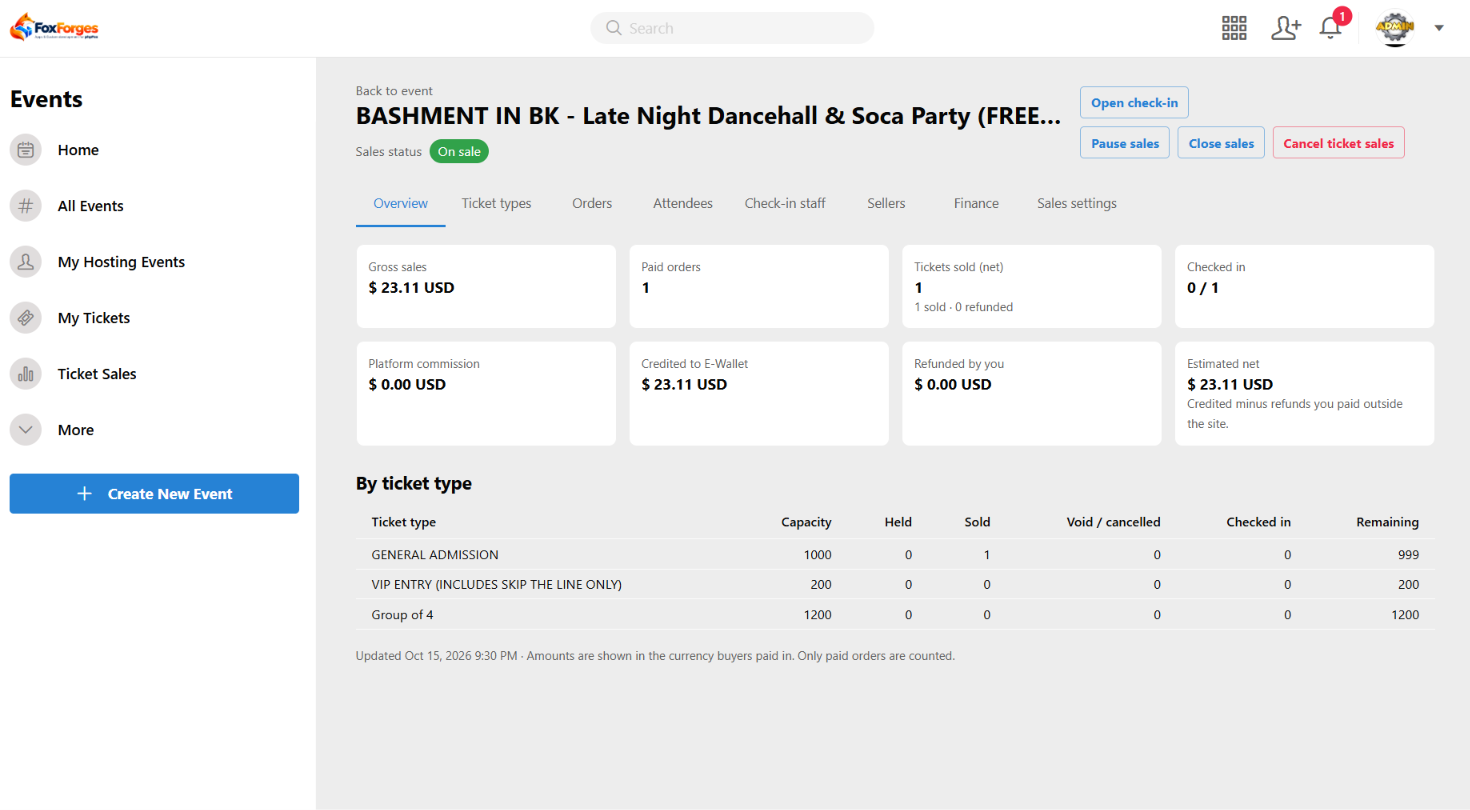
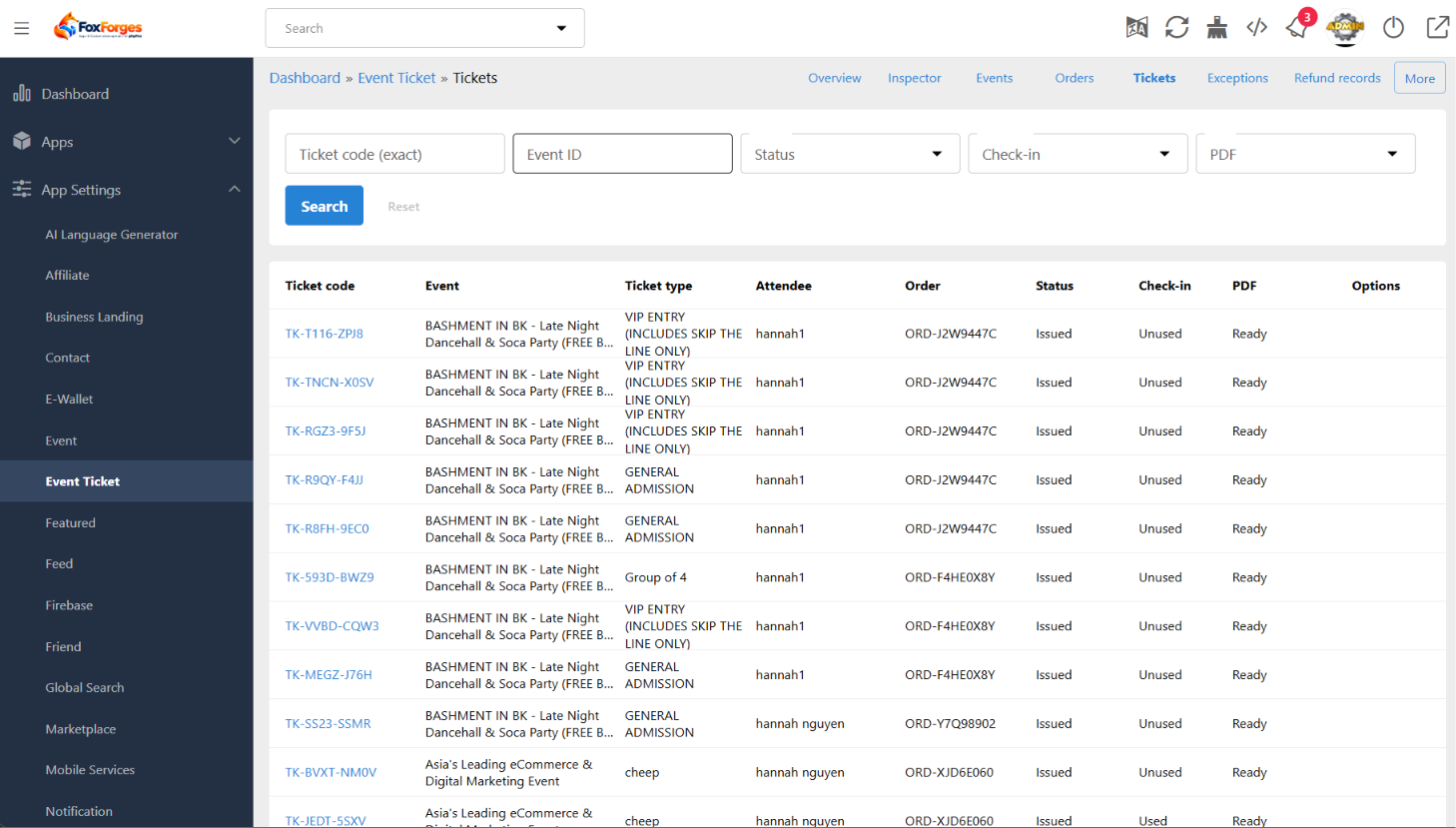
Create ticket types, manage orders, accept online payments, issue digital tickets with QR codes, and check in attendees. Built-in seller management and commission tracking also help event owners manage ticket sales in one place.
Key Features
- Event Integration: Add ticket sales to existing events.
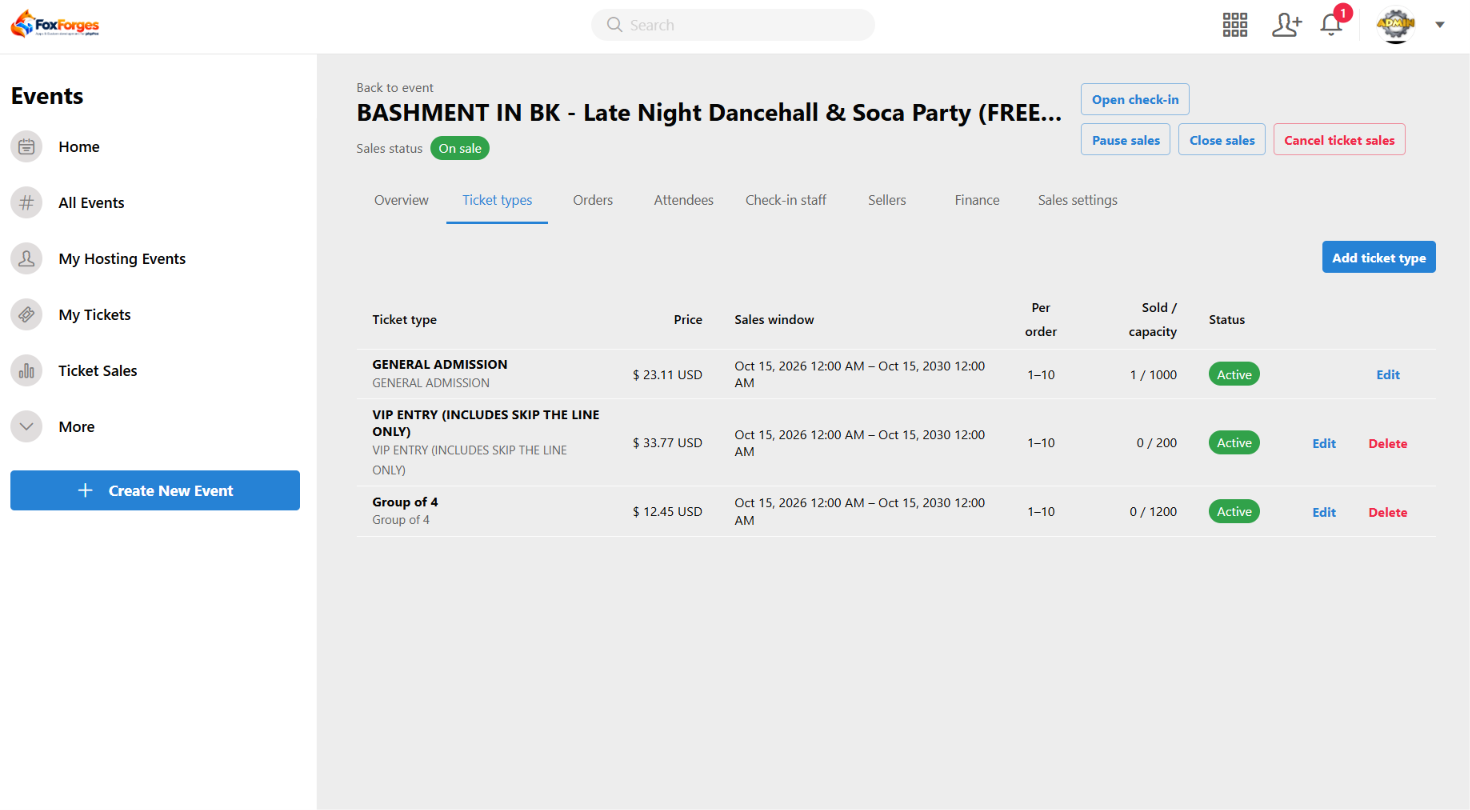
- Ticket Management: Set ticket prices, quantities, and sales periods.
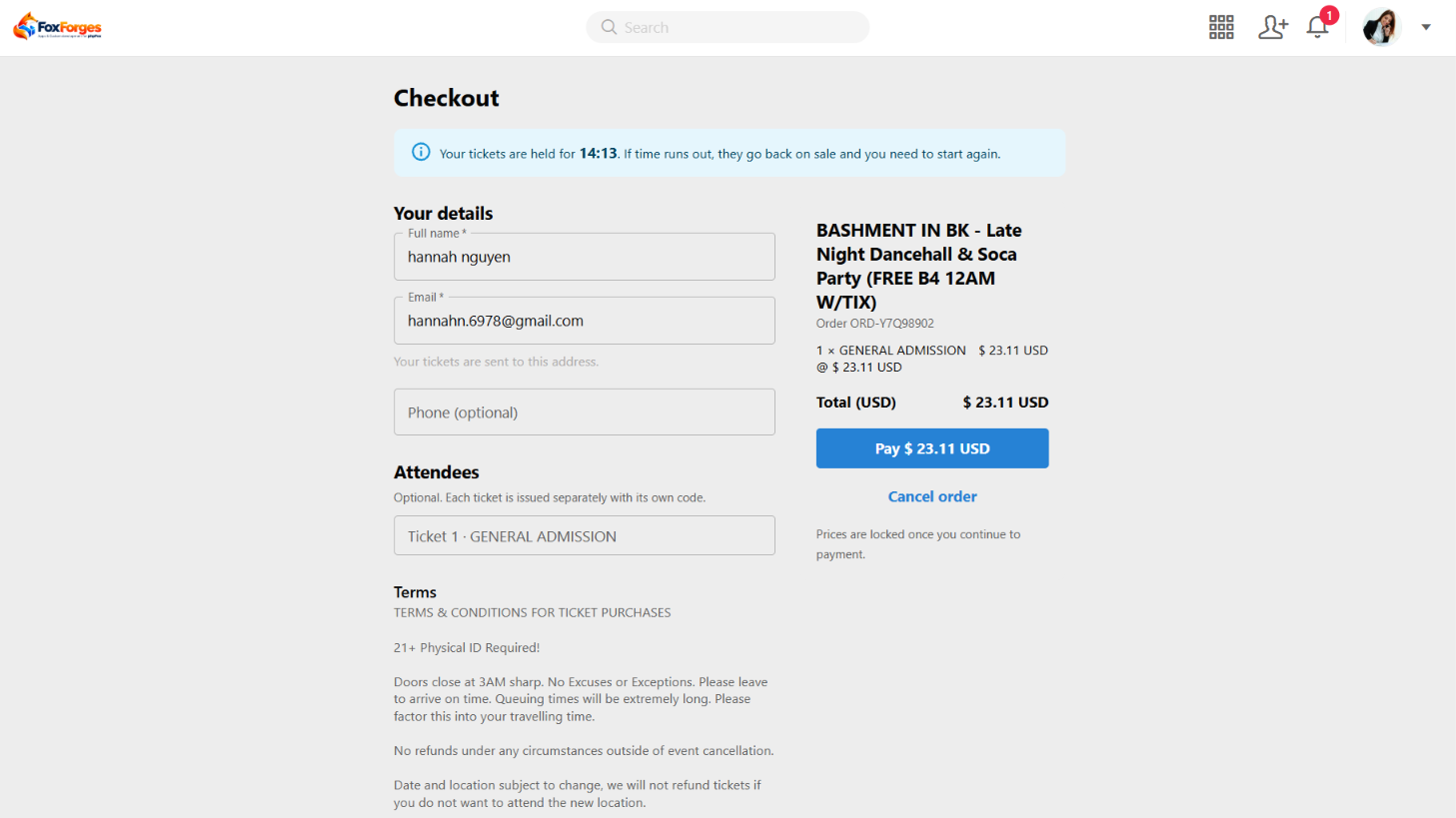
- Online Checkout: Accept payments through supported gateways.
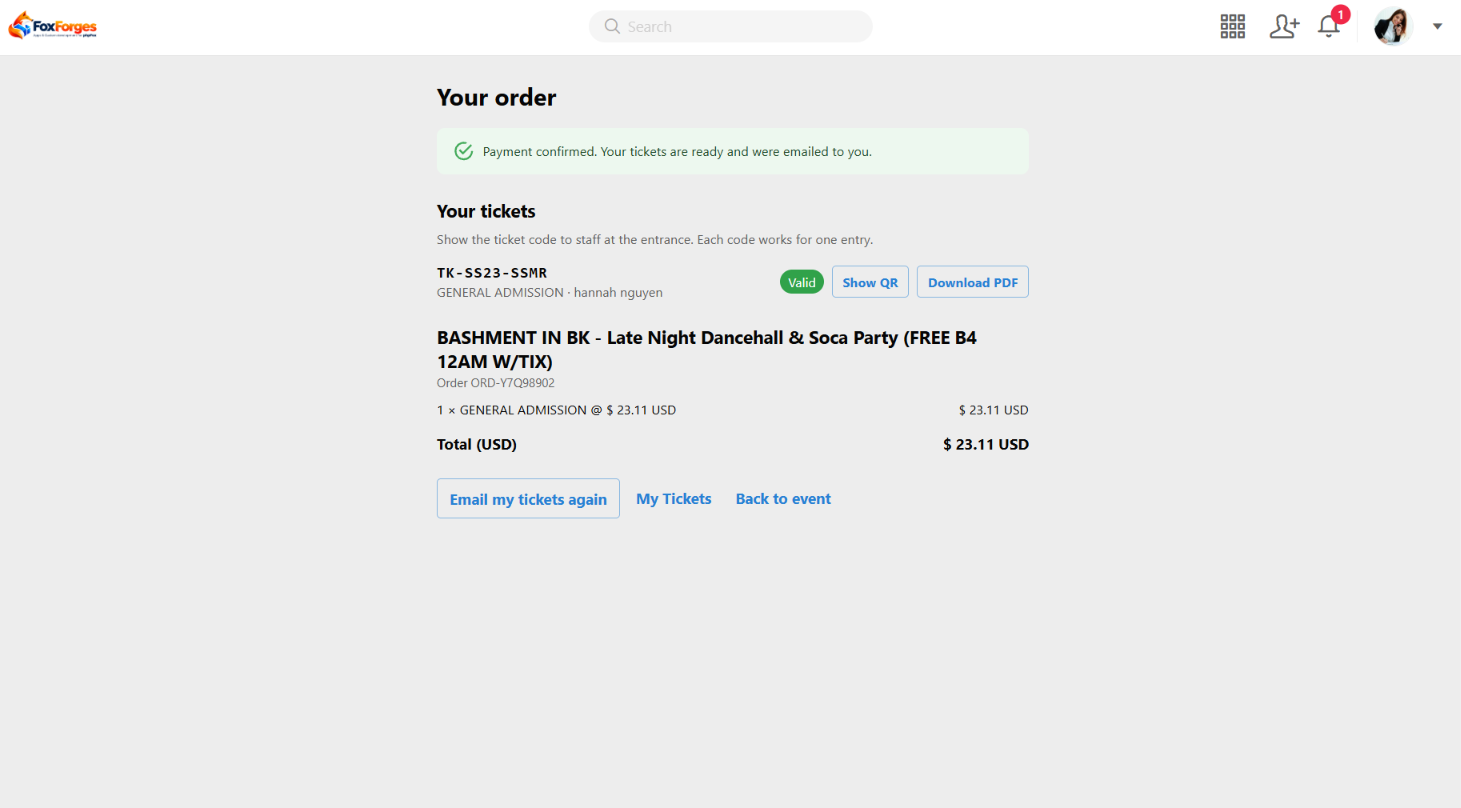
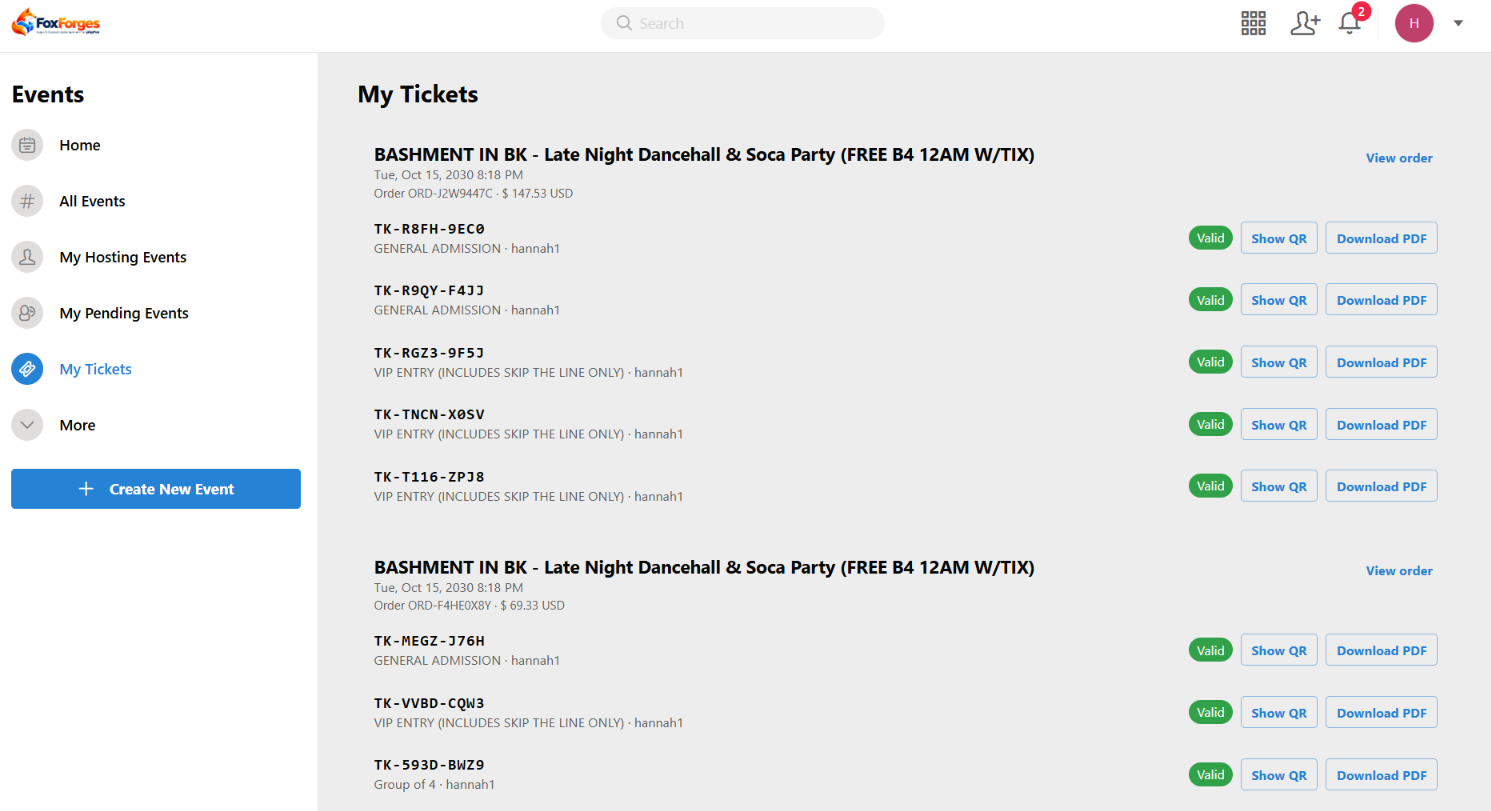
- Digital Tickets: Issue unique ticket codes, QR codes, and downloadable PDFs.
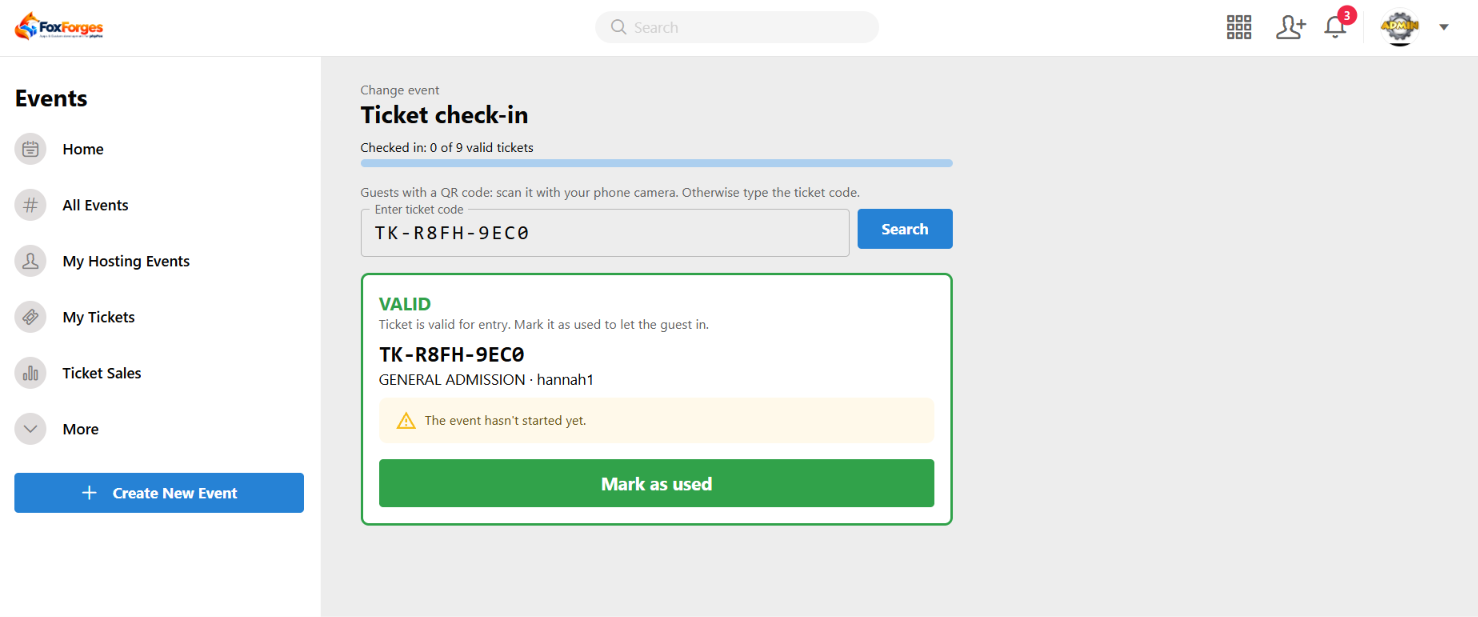
- Event Check-in: Validate tickets and track attendee entry.
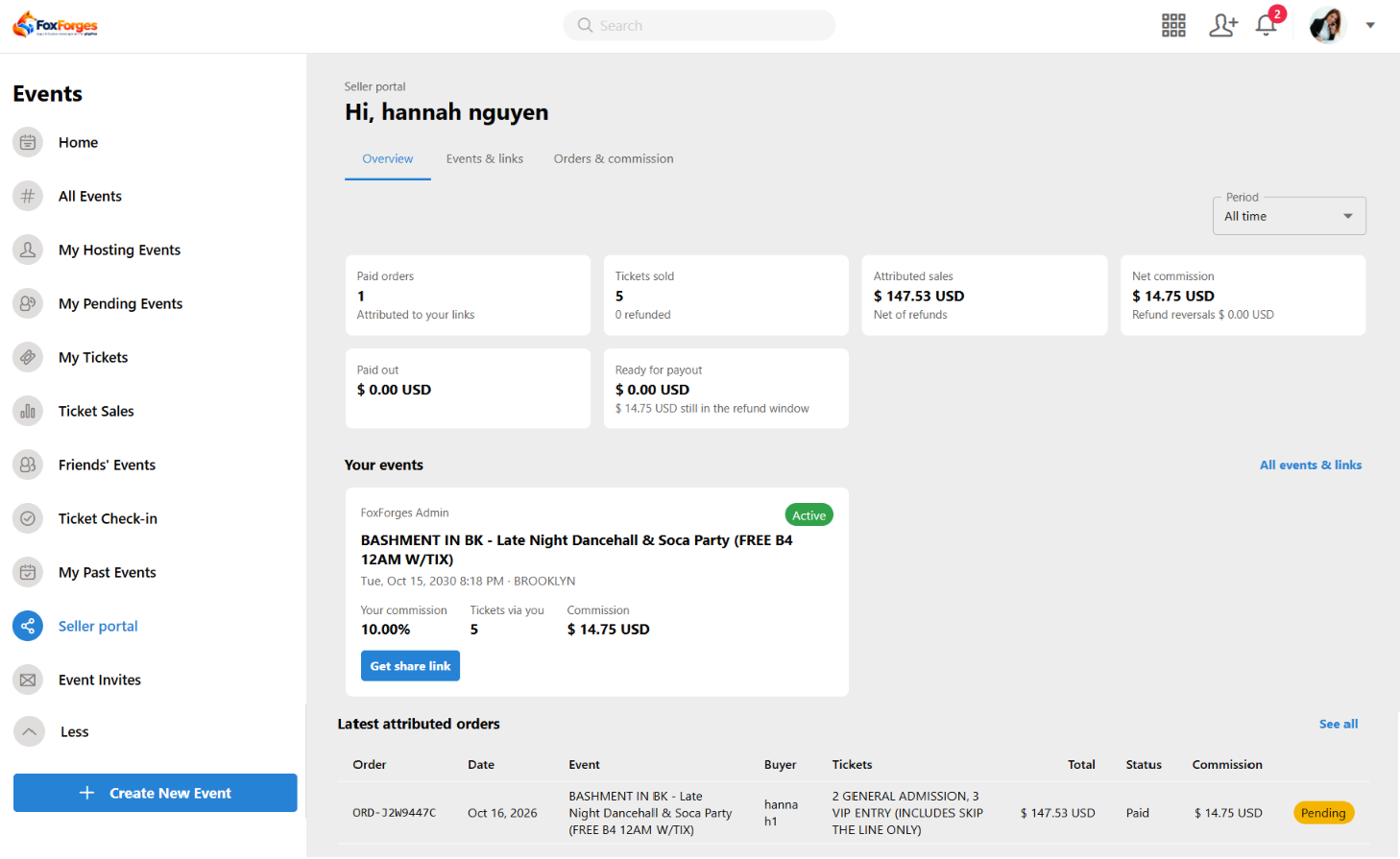
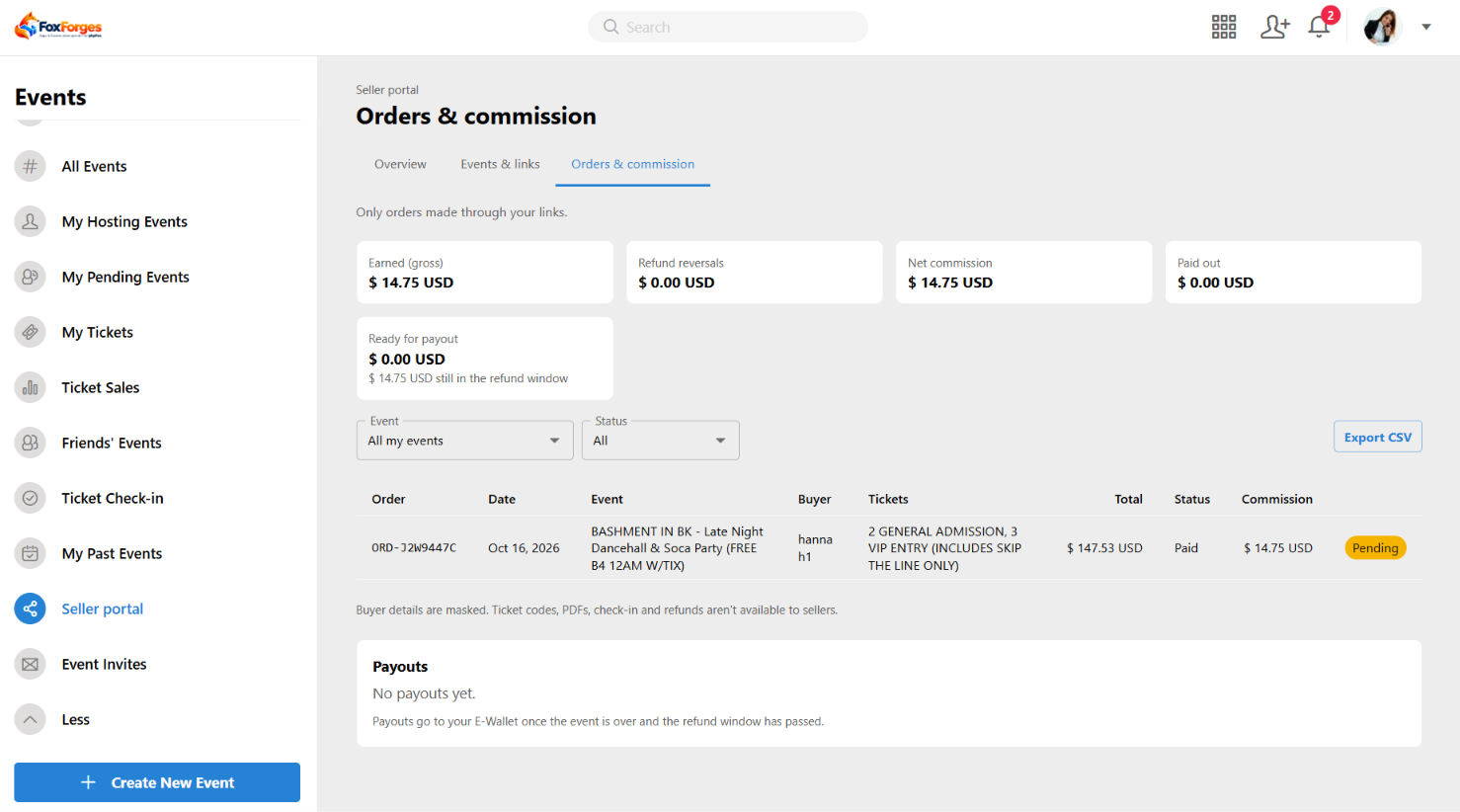
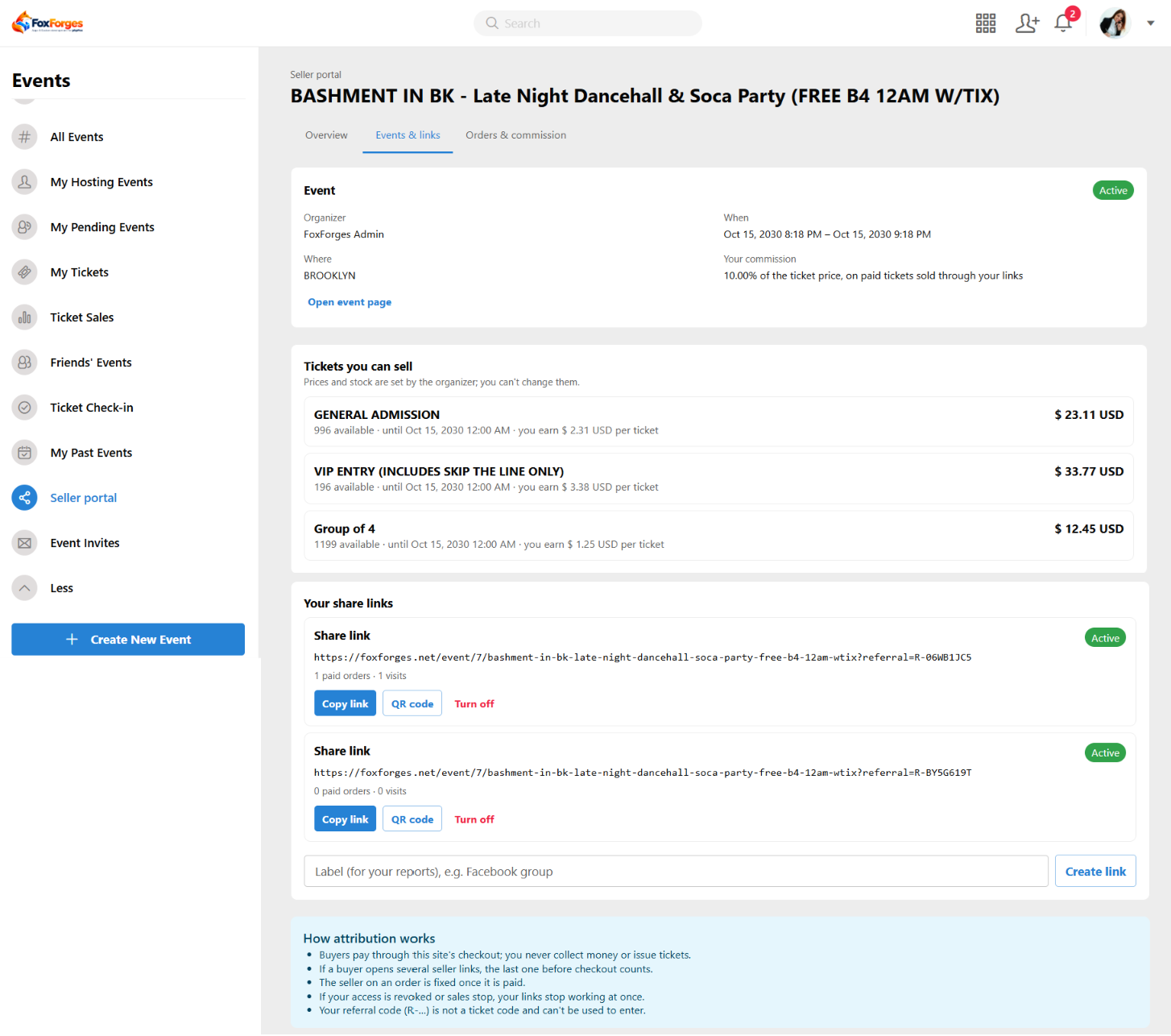
- Seller Management: Track referral sales and commissions.
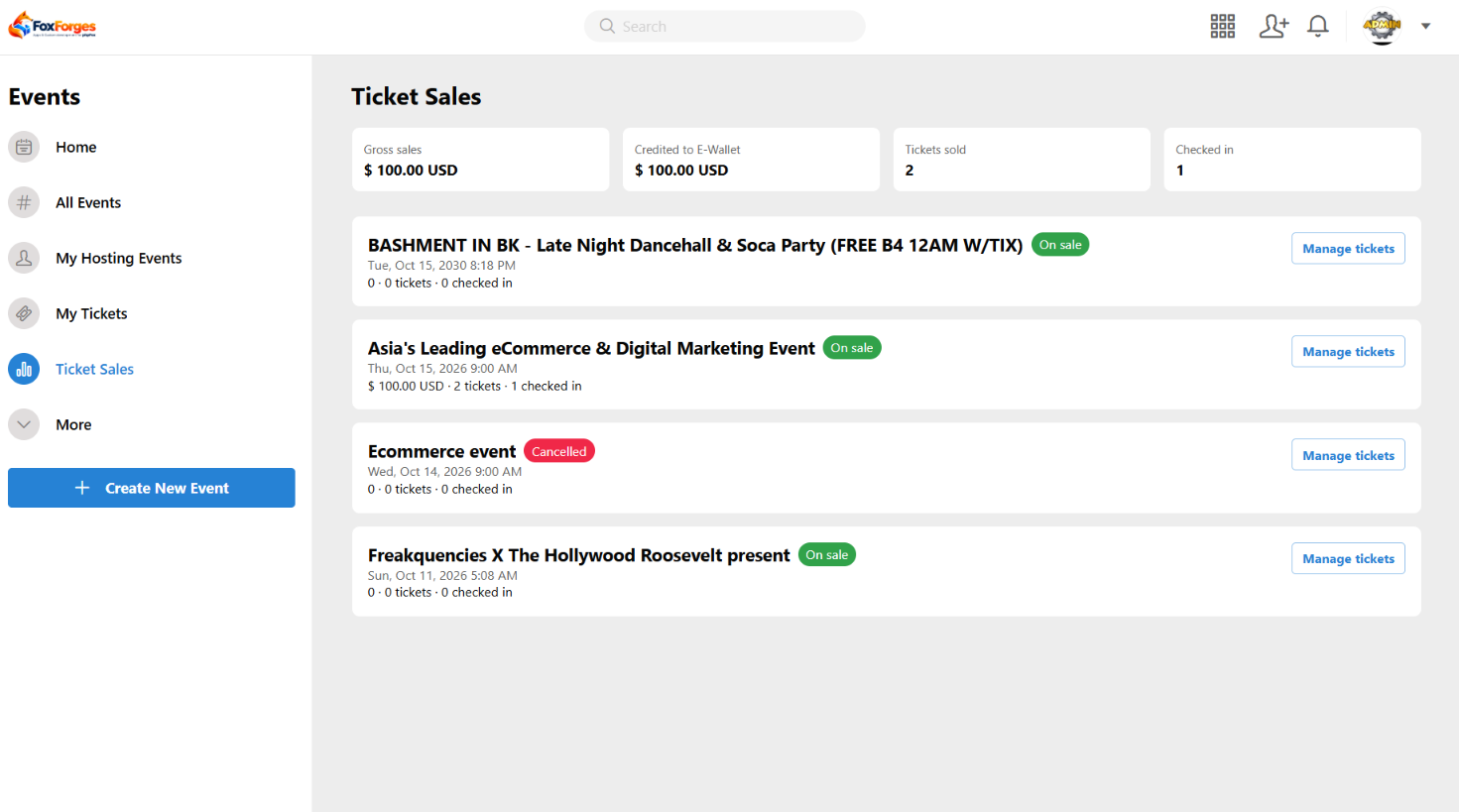
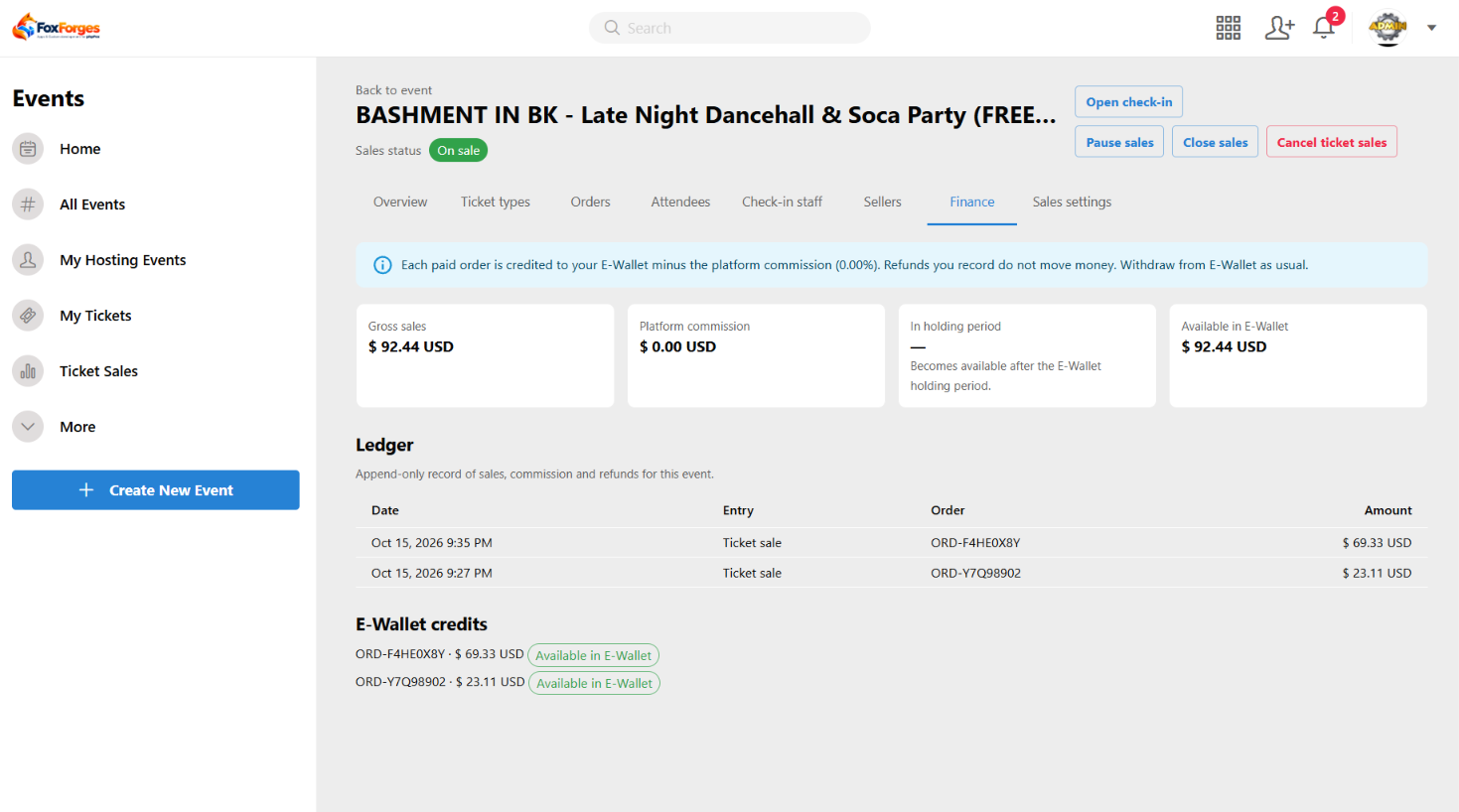
- Sales & Finance: Monitor orders, fees, commissions, and E-Wallet balances.
User Features
AdminCP
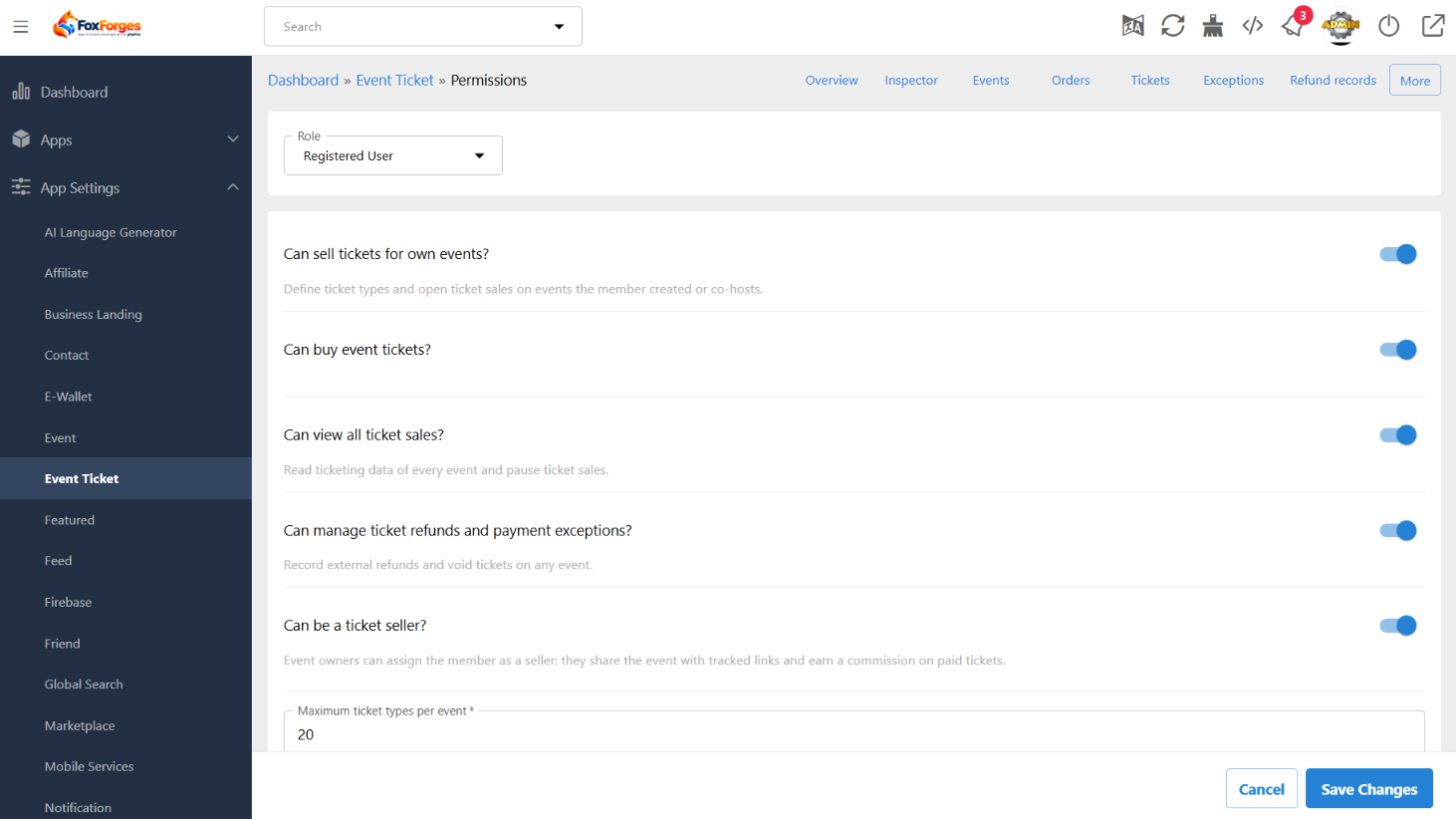
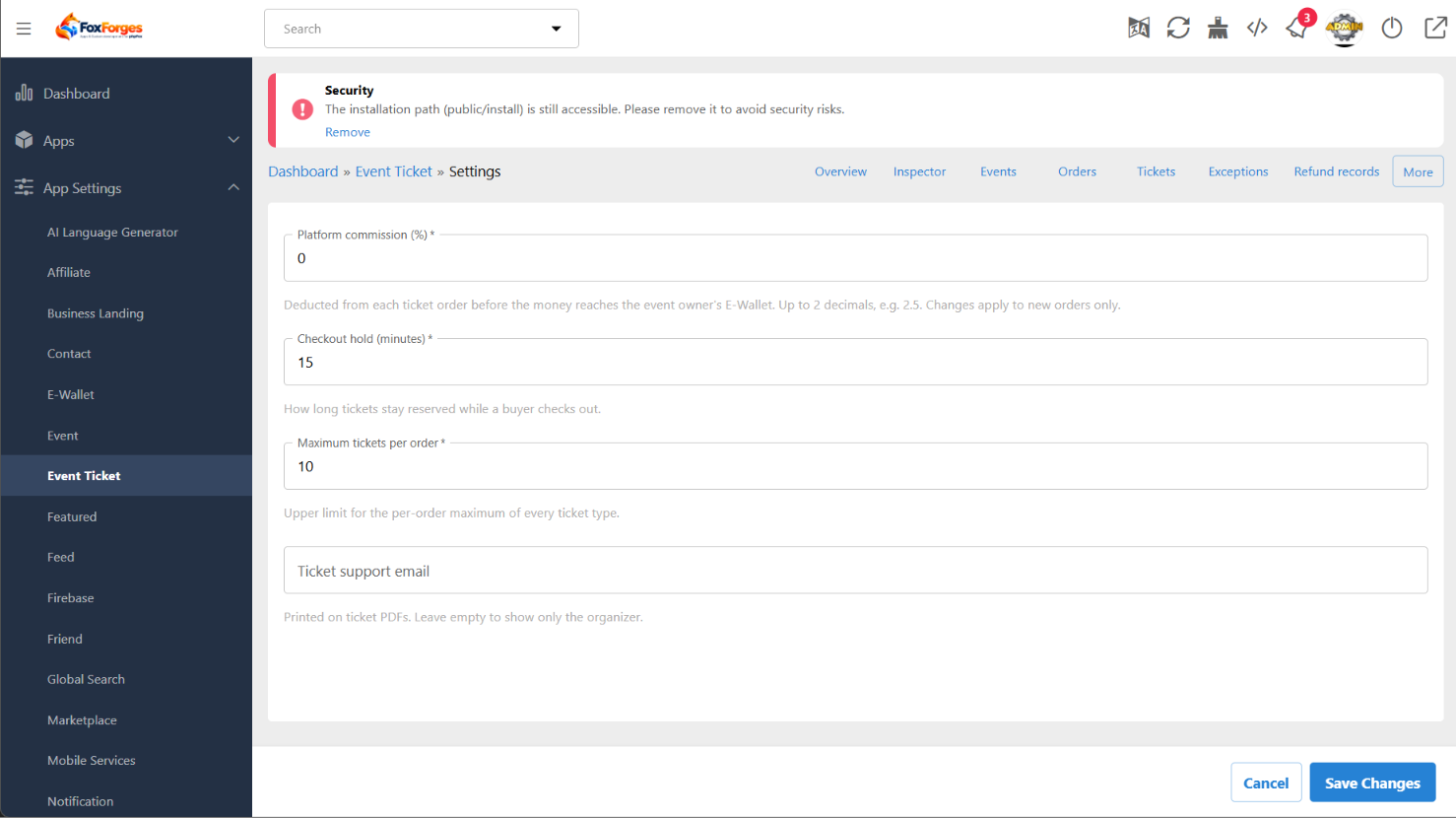
- Configure ticketing settings, permissions, platform fees, and seller commission rules.
- Manage ticket records and monitor ticketing operations.
Event Owner
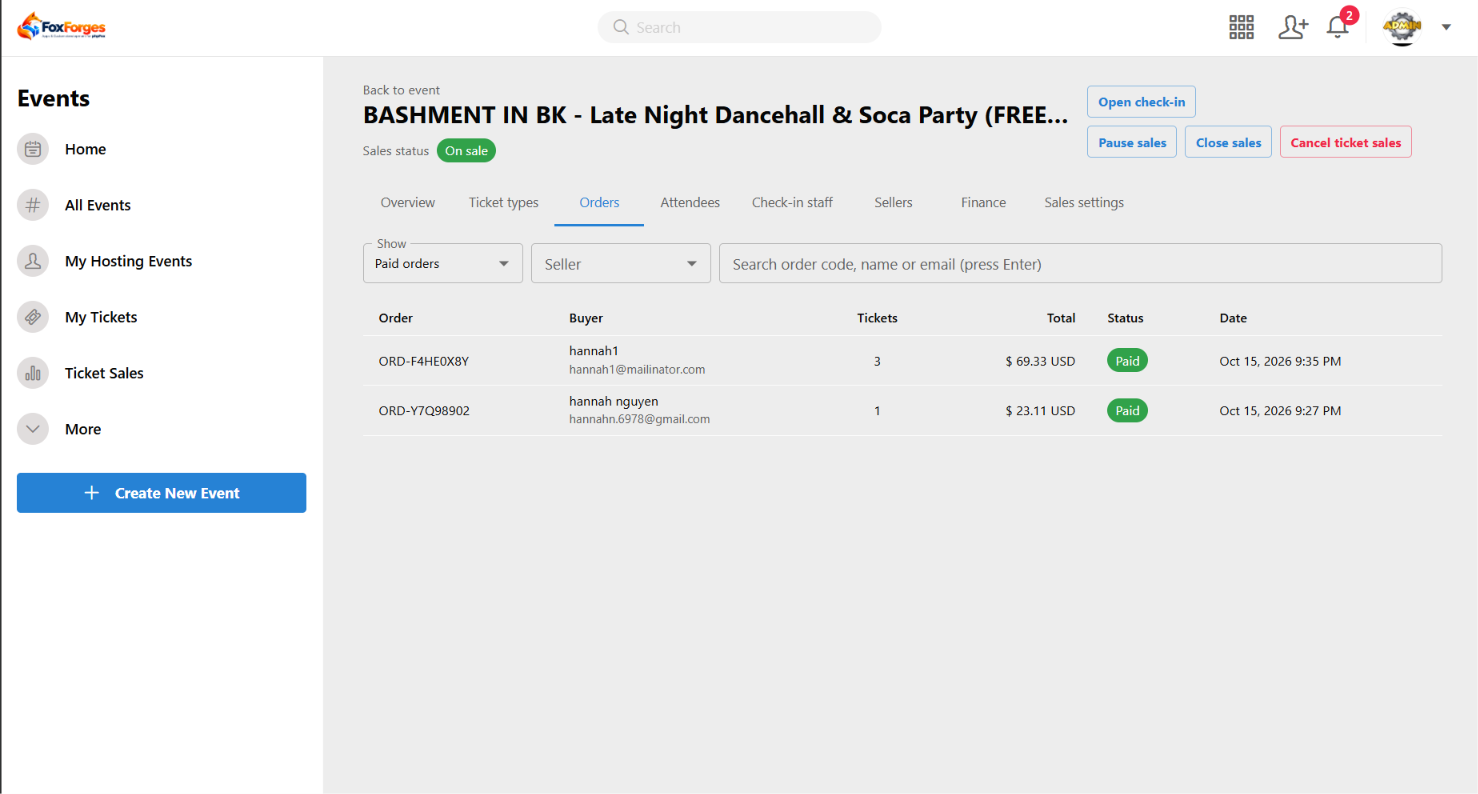
- Add ticket sales to existing events and manage ticket types, orders, and attendees.
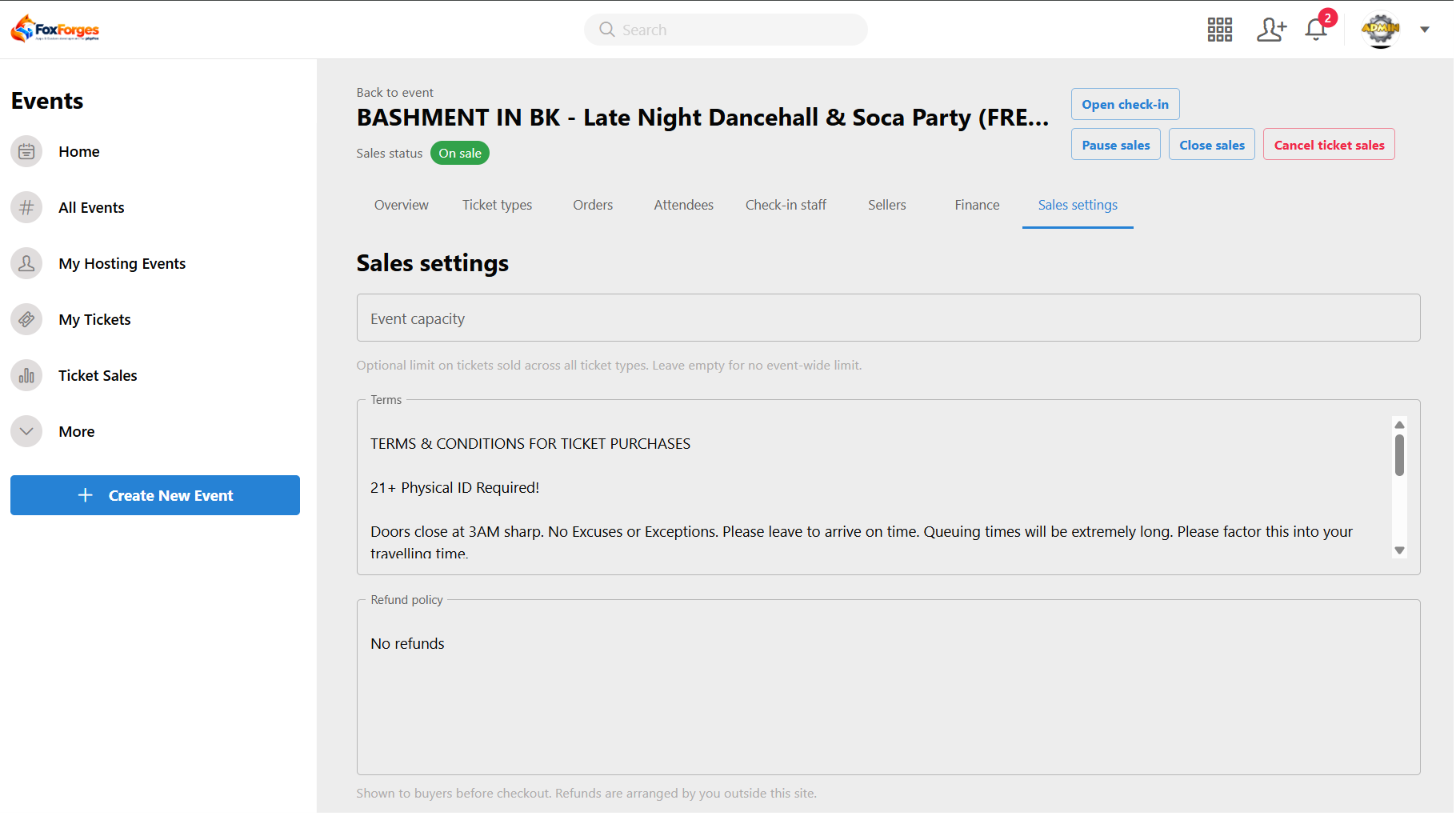
- Manage sellers, commissions, check-in staff, and ticket sales settings.
- Monitor sales performance, fees, and E-Wallet balances.
Seller
- Access assigned events and share personalized ticket links and QR codes.
- Track referred orders, sales, and commission earnings.
Check-in Staff
- Validate tickets by code and verify ticket status.
- Mark tickets as used and monitor attendee check-ins.
Buyer
- Browse events and purchase tickets directly from event pages.
- Receive digital tickets with unique codes and QR codes.
- Access My Tickets, download PDF tickets, and receive email notifications.
Installation Guide
Ensure you have administrative access to your phpFox site before installing Event Ticket.
Installation Steps
- Go to AdminCP > Apps > Purchased. If Event Ticket is not listed, please refer to the Note section below.
- Select Event Ticket and click Install/Reinstall.
- Wait for the installation to complete, then configure the app through the relevant settings in AdminCP.
Note: Purchasing Event Ticket
- Go to AdminCP > Apps > Find More and search for Event Ticket.
- Click Purchase to complete your purchase. Once payment is successful, Event Ticket will appear under AdminCP > Apps > Purchased.
No reviews for this product.
Version 5.0.0
1. Released Date: October 21, 2026
2. Core Compatibility: 5.2.0 - 5.2.7
3. Details:
Initial release of Event Ticket for phpFox, introducing a complete ticketing solution for event organizers, sellers, and buyers.