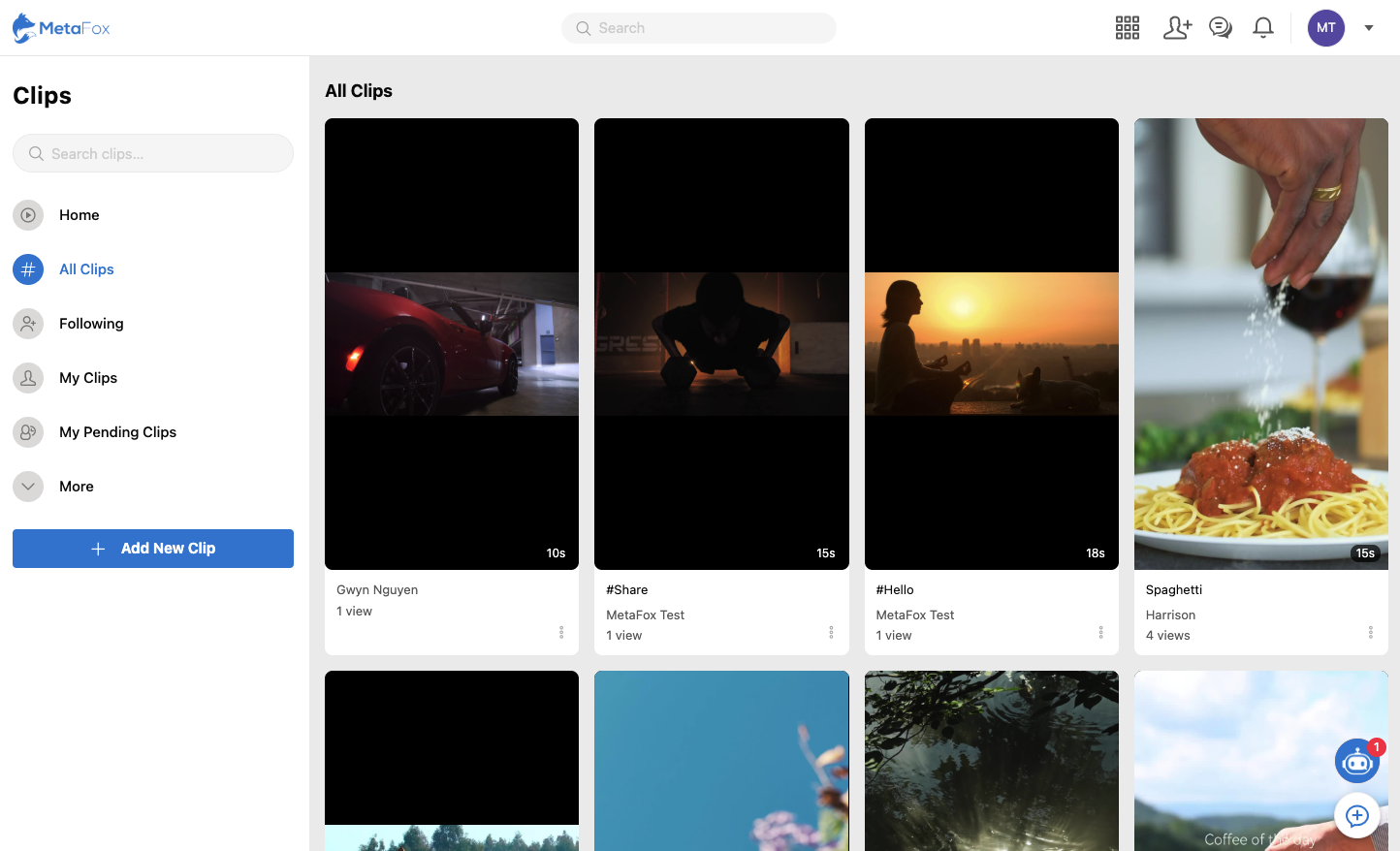
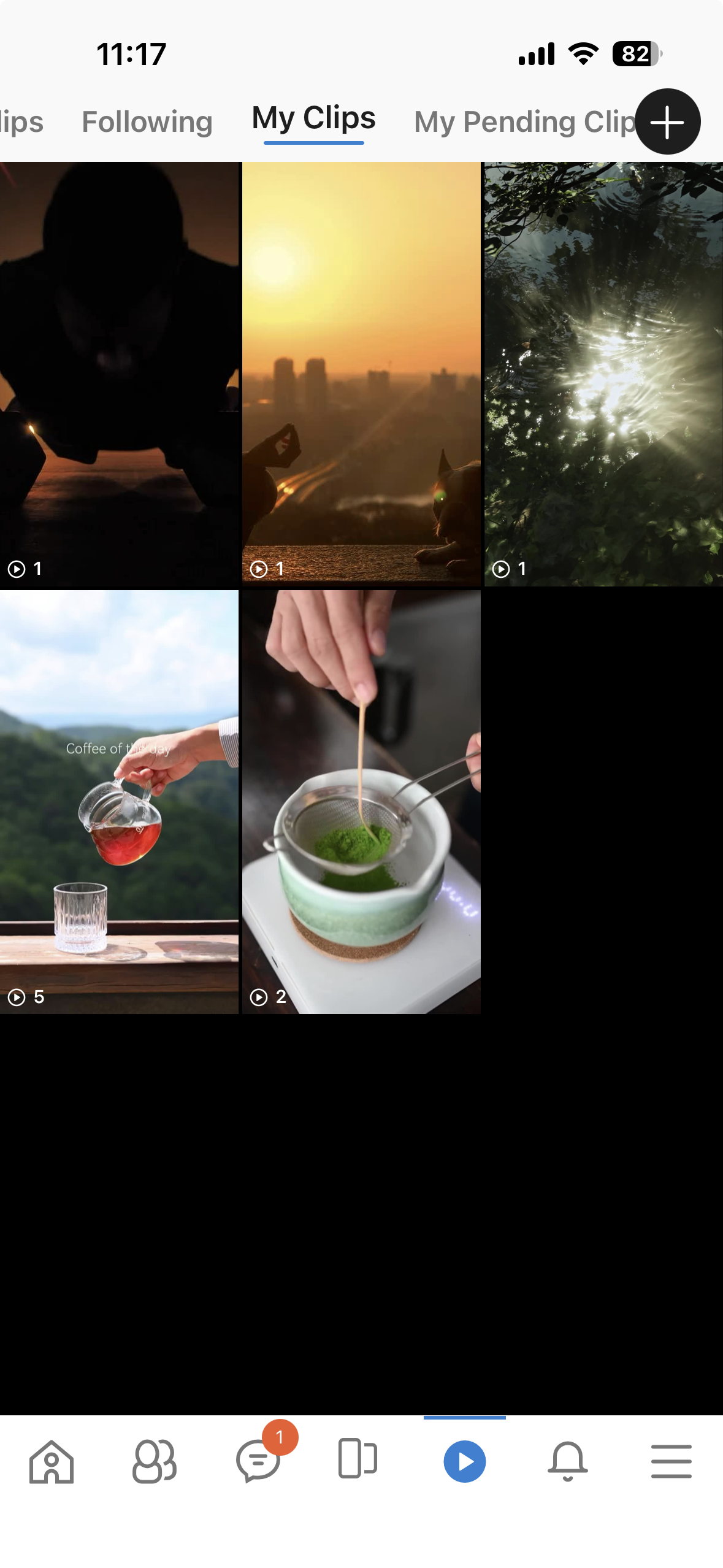
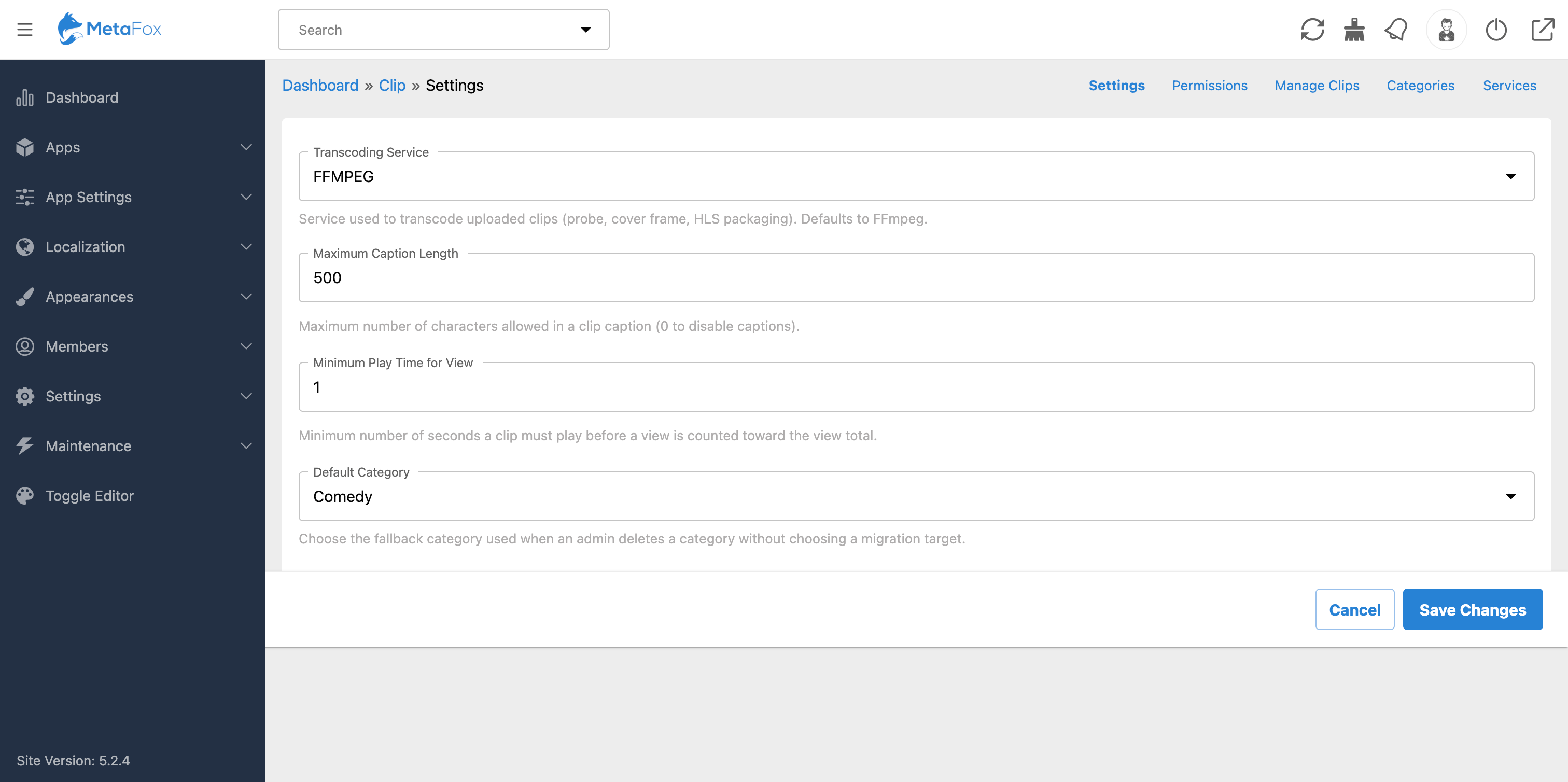
Short videos are currently the most engaging and popular entertainment format. The Clips app brings a seamless, vertical-scrolling short video experience (similar to TikTok and Reels) directly to your MetaFox community. This is the ultimate tool to skyrocket user time-on-site, boost engagement, and keep your members returning for more.
Key Features:
User Experience & Engagement:
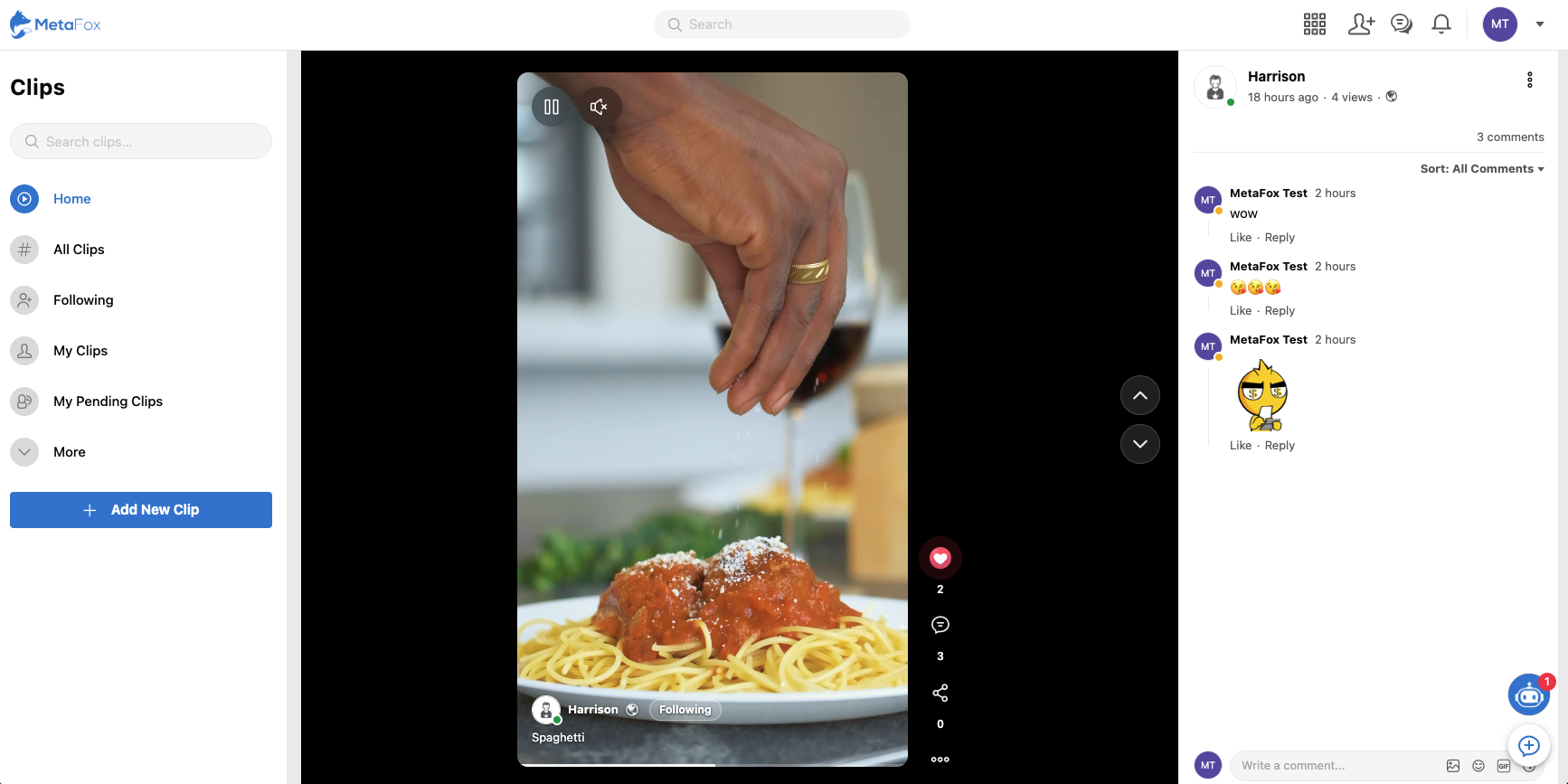
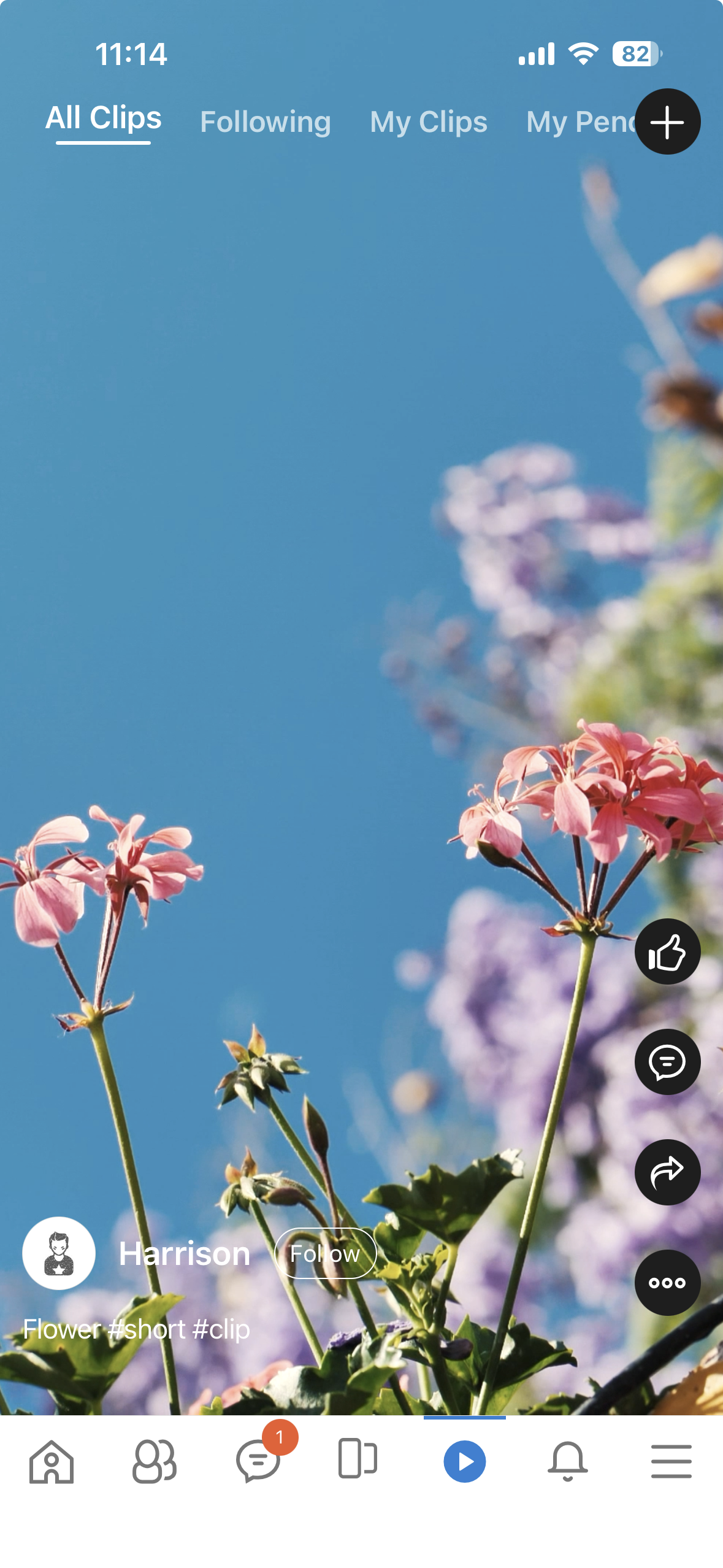
- Enjoy full-screen, vertical videos optimized for mobile. Users can swipe up/down for seamless transitions, tap to play/pause, and watch videos on auto-loop.
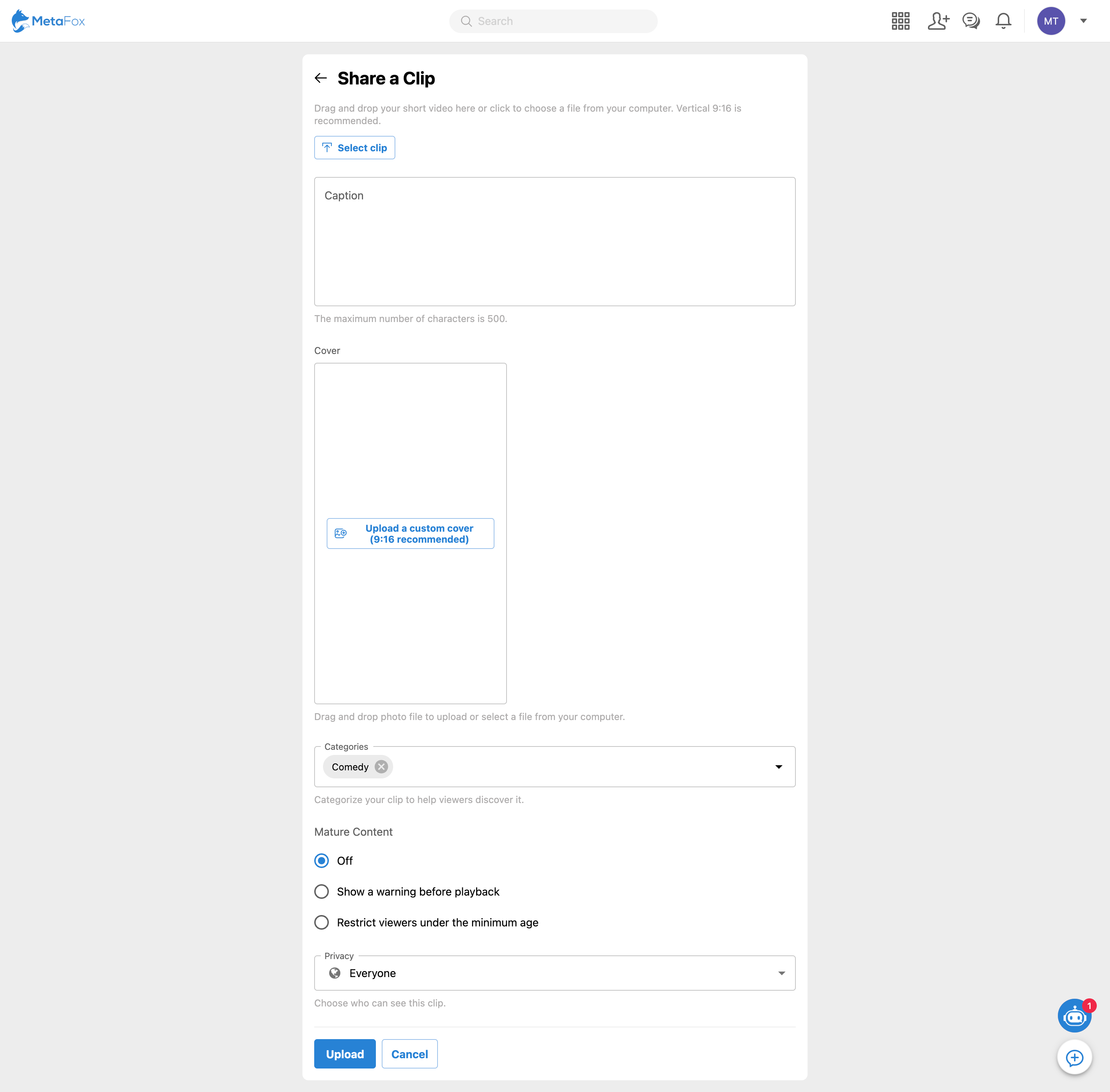
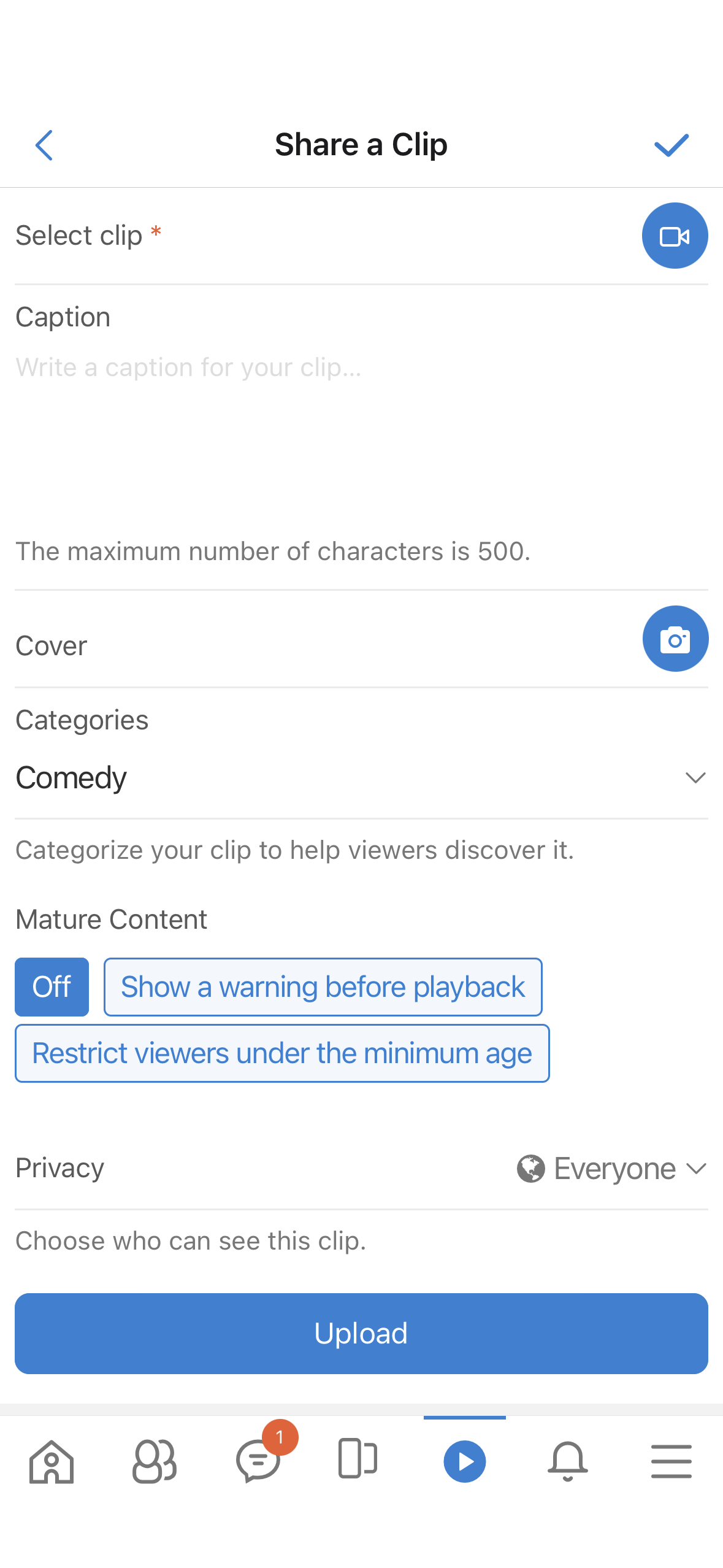
- Can upload video files directly from a computer/mobile device, or record directly using the MetaFox Mobile App. A vertical 9:16 aspect ratio is recommended for the best experience.
- Add engaging captions with hashtags, upload custom covers, and select categories to help viewers discover the content.
- Discover clips through versatile navigation tabs: Home, All Clips, Following, My Clips, and Friend Clips.
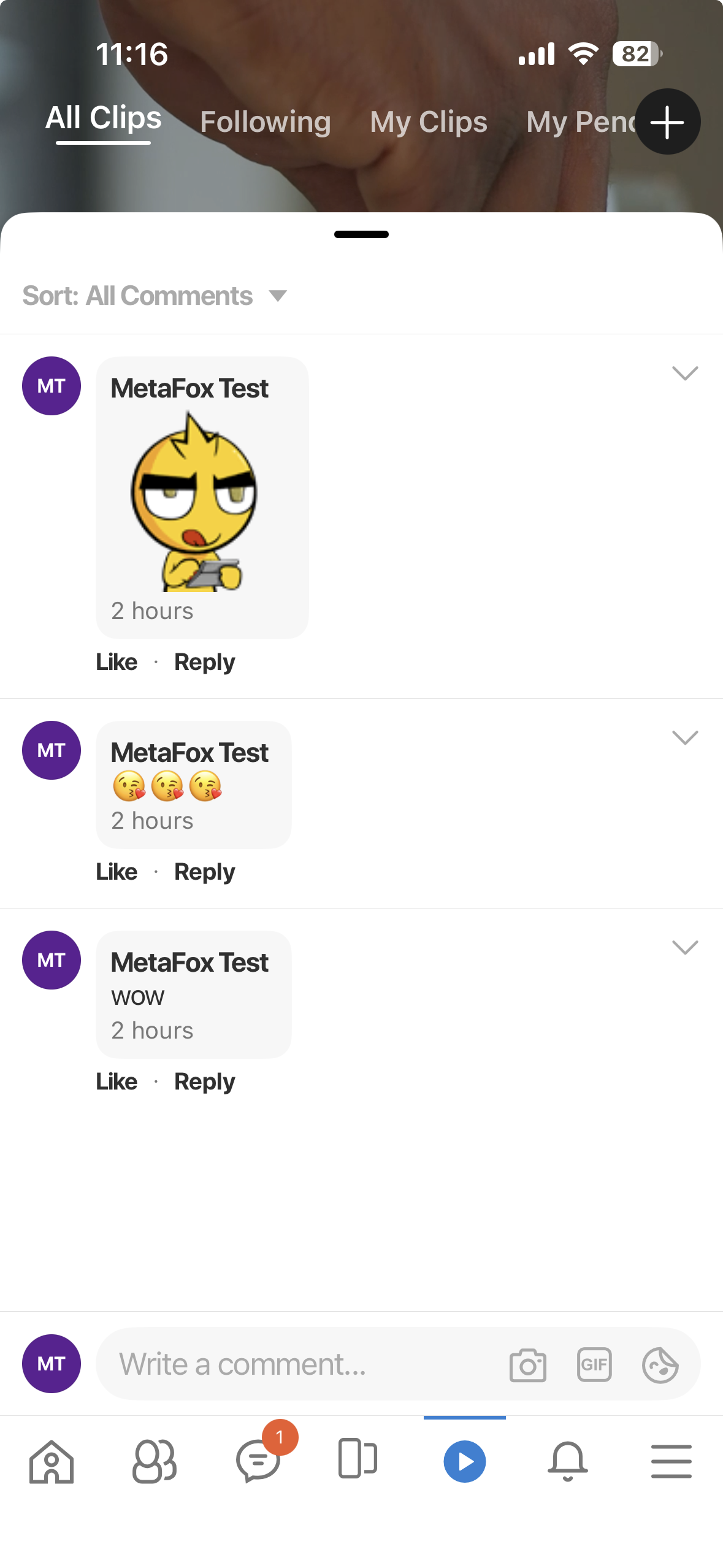
- Can like, comment, share, and report right from the video player without interrupting the playback flow.
- "Follow" button is integrated right next to the creator's username to help users grow their audience effortlessly.
- Users can post and share short videos on their personal Profiles, Pages, and Groups.
AdminCP & Moderation:
- Creators and admins can mark content as "Mature," which requires a warning before playback or restricts viewers under the minimum age.
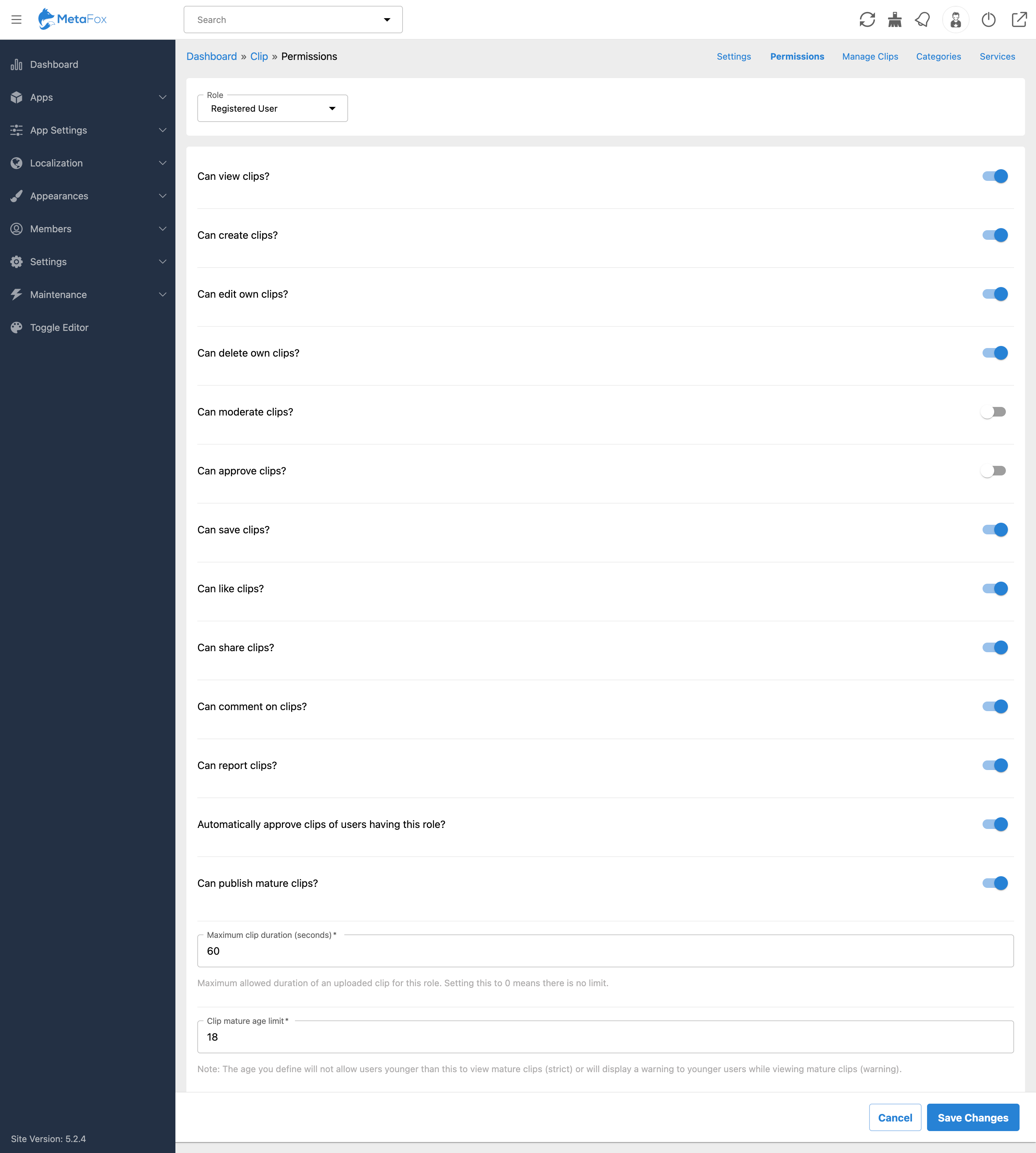
- Admins can set maximum file sizes and maximum video durations (e.g., 60s, 90s, 180s) specifically for different User Roles.
- Easily configure who can view, create, upload, delete, comment, report, and moderate videos based on their user group.
- Manage and organize clip categories visually from the AdminCP.
Notice:
- FFMPEG must be installed on your server, or you must integrate a third-party service like MUX, to handle video transcoding (converting to HLS format) and automatic thumbnail extraction.
- The "Following" feature requires the default Follow app to be enabled.
Installation Guide
This guide aims to assist you in installing apps in your AdminCP. Ensure that you have administrative access to the site.
- Let's log into AdminCP > Apps > Purchased
- Now, click on the Clips app.
- Click on the Install/Reinstall button to start installing the app. Wait for the installation to complete.
- During the installation, the site will send a build request to the MetaFox Build service to build a front-end web with the new app. Thus, the app may take a few minutes to display on the front end.
- After installing successfully, you can reload the AdminCP and start configuring the app as needed by going to AdminCP > App Settings, searching for the newly installed app, and accessing its settings.
No reviews for this product.
Version 5.0.2
1. Released Date: September 30, 2026
2. Core Compatibility: 5.2.4 - 5.2.6
Version 5.0.1
1. Released Date: August 3, 2026
2. Core Compatibility: 5.2.4 - 5.2.5
Version 5.0.0
1. Released Date: June 23, 2026
2. Core Compatibility: 5.2.4